

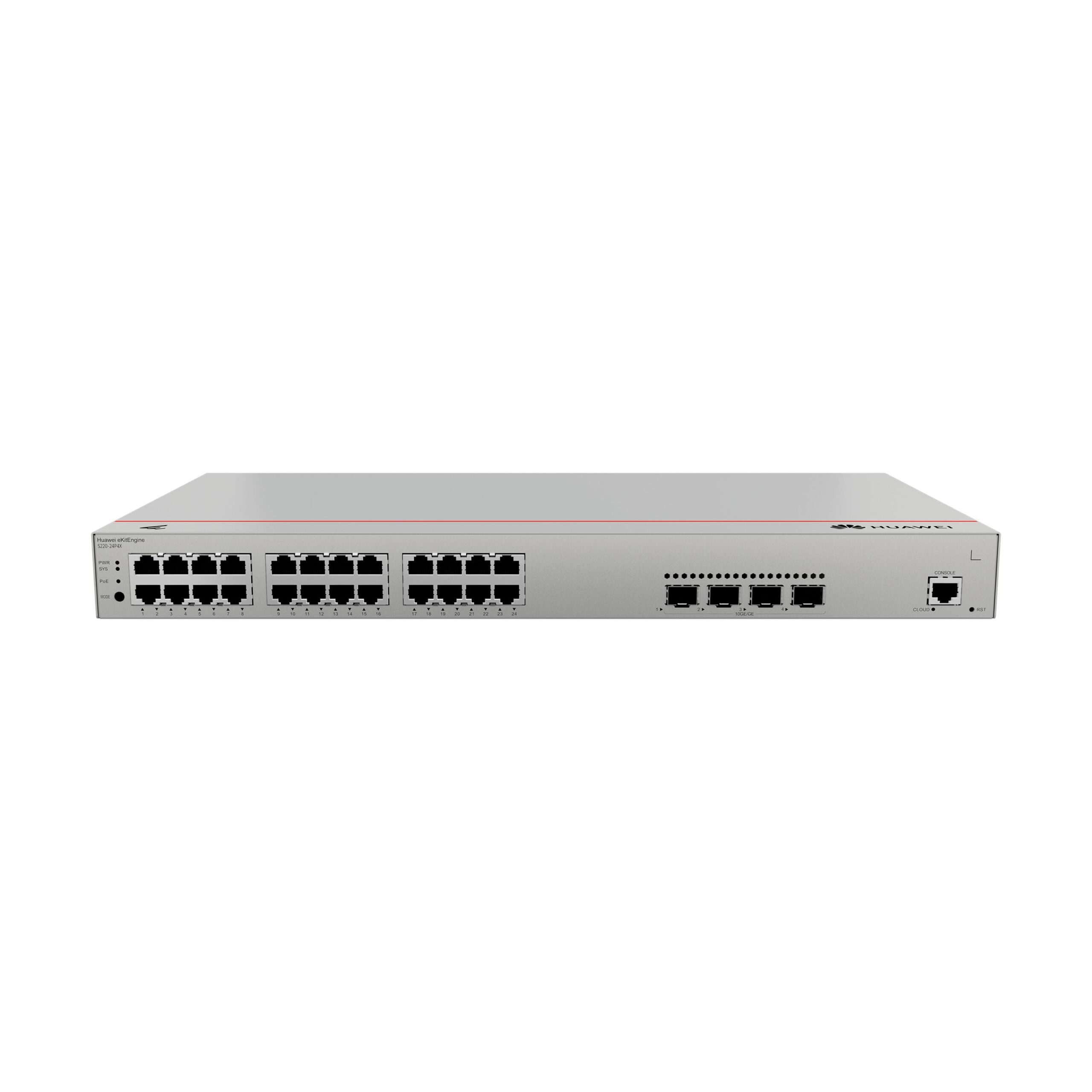
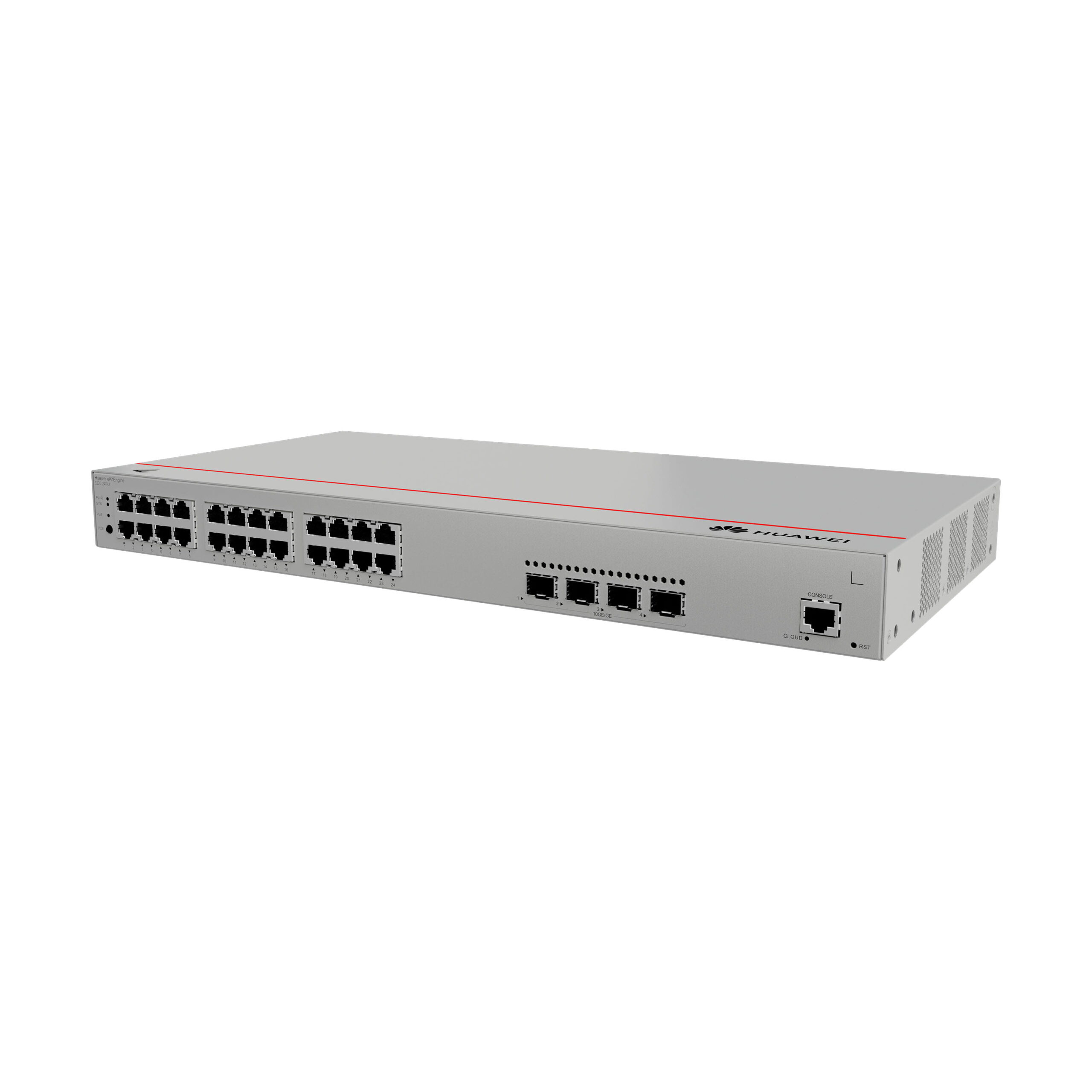
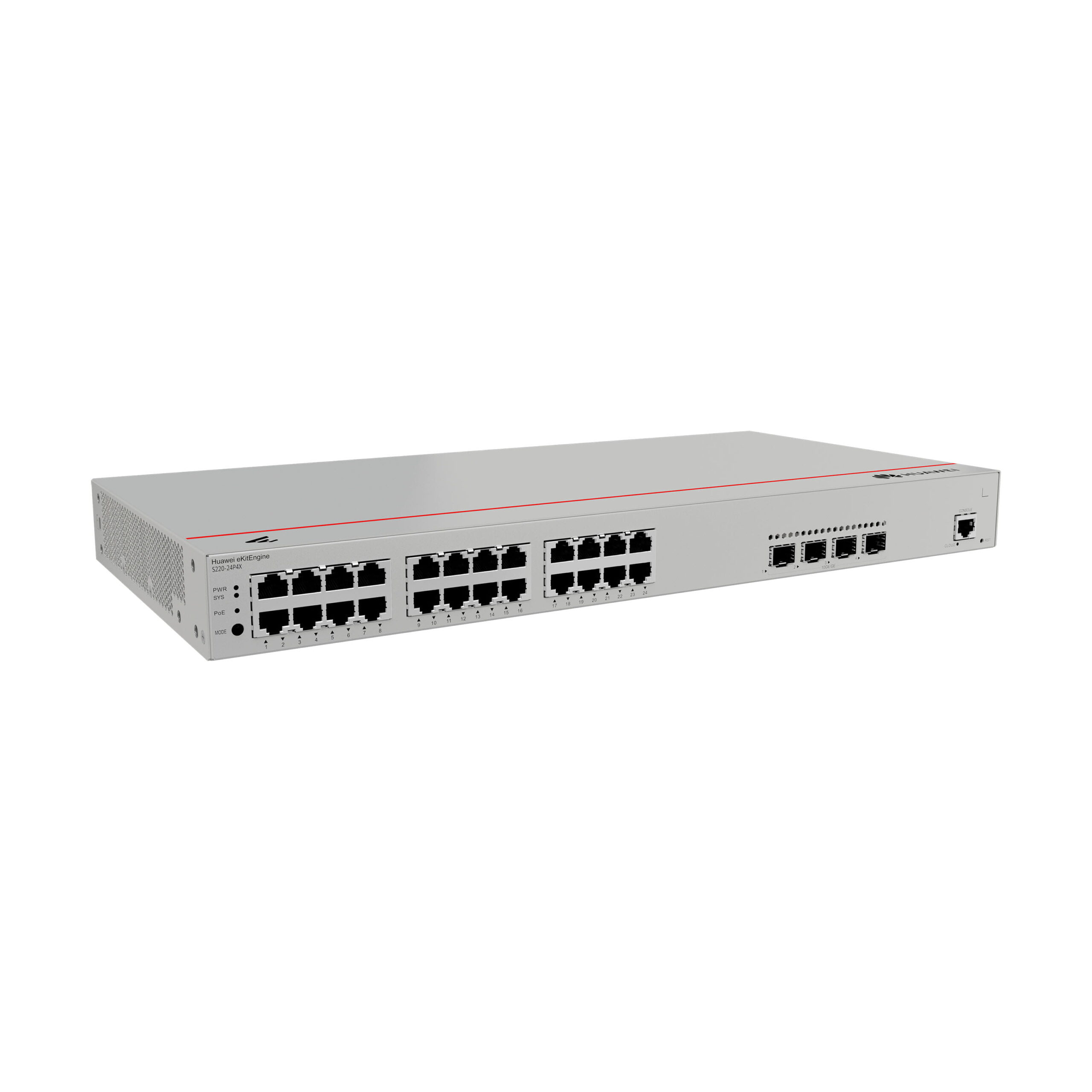
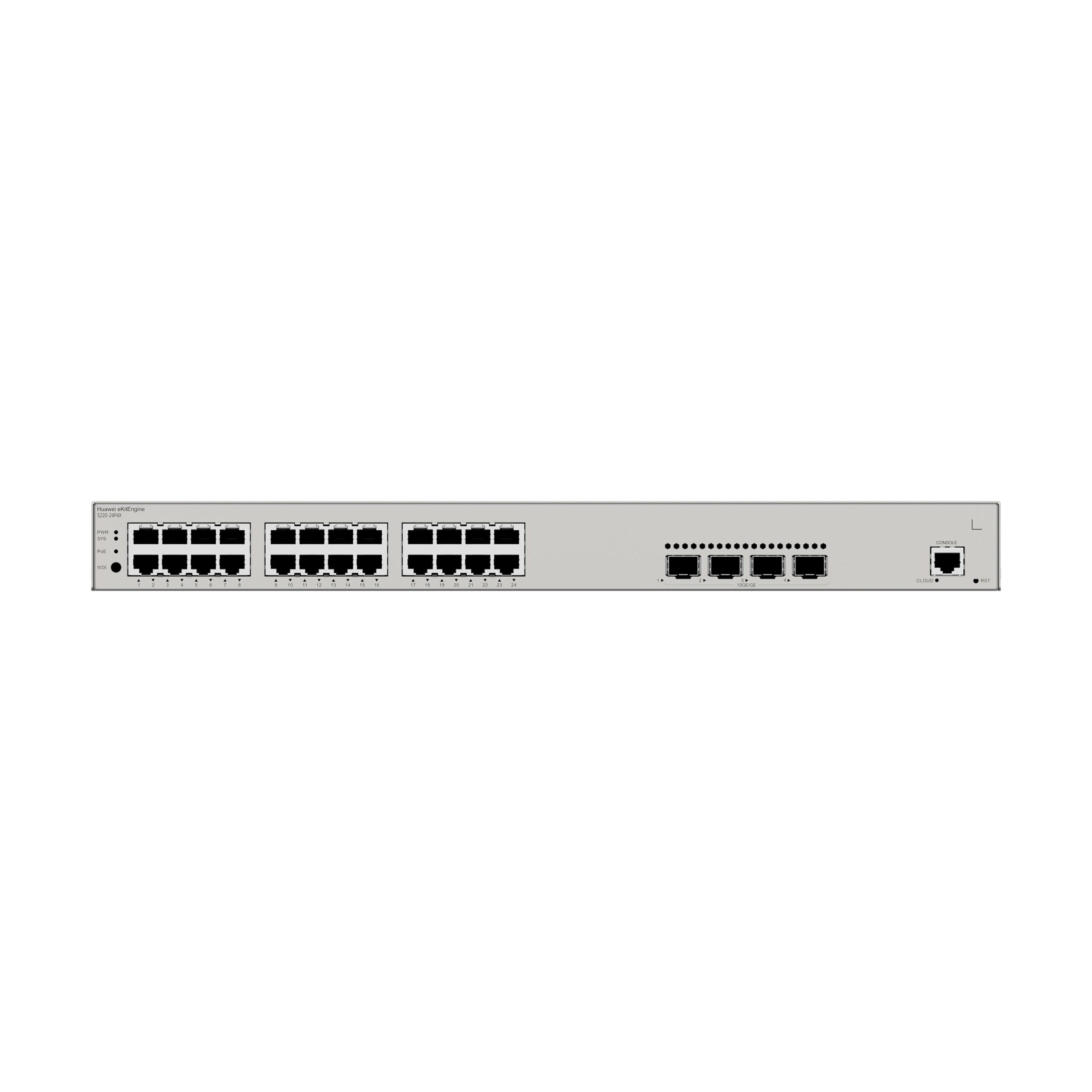

Huawei eKitEngine S220 Series Switches
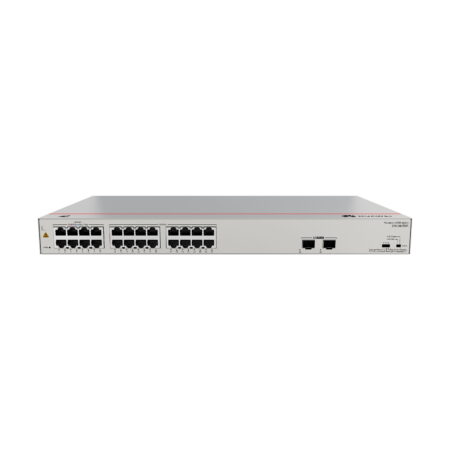
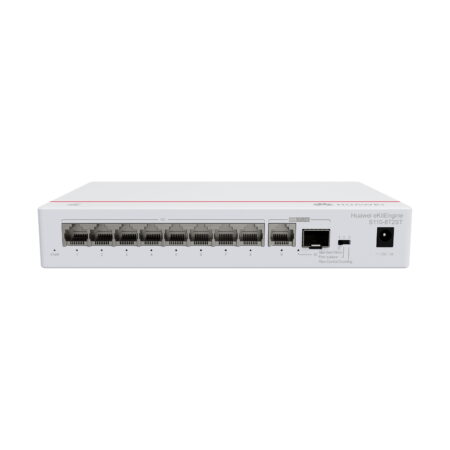
Huawei eKitEngine S220 series switches are Layer 2 GE/10GE switches designed for the small office and home office (SOHO)/small- and medium-sized business (SMB) market. They include eight models, such as those with 8 downlink GE electrical ports (PoE/non-PoE ports), 24 downlink GE electrical ports (PoE/non-PoE ports), 48 downlink GE electrical ports (PoE/non-PoE), and uplink GE/10GE ports. These switches provide many features, such as rich management methods (web-based management, CLI-based management, and app-based management), flexible Ethernet networking, and diversified security control. Therefore, they can be widely used in scenarios such as SOHO, enterprise office, budget hotels, factories, primary and secondary education, hospitals, and building security.
Product Features and Highlights
- Flexible Ethernet Networking
- Diversified Security Control
- Easy Operations and Maintenance
- PoE Power Supply
- Smart Upgrade
- Cloud Management
ekitEngine S220 Series Switches
Overview
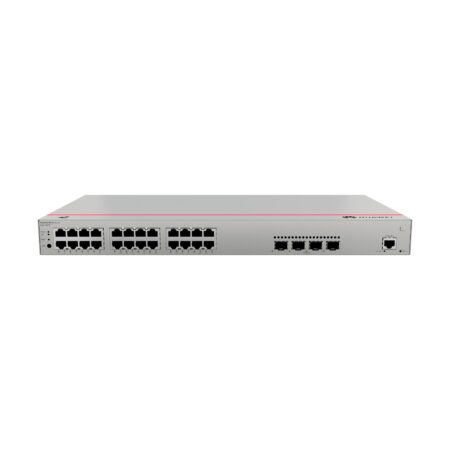
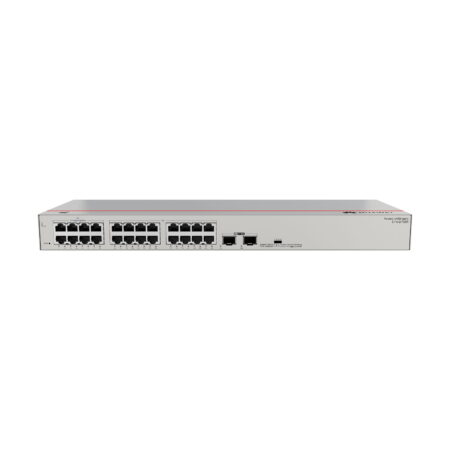
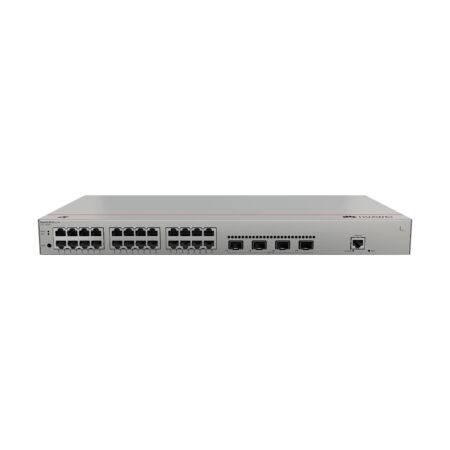
Basic Information about the S220-24P4X
| Item | Details |
|---|---|
| Description | S220-24P4X: 24 x 10/100/1000BASE-T PoE+ ports (400W total), 4 x 10GE SFP+ ports, built-in AC power supply |
| Part Number | 98012376 |
| Model | S220-24P4X |
| First Supported Version | V600R023C00 |
Physical Components and Buttons
- MODE button: Used to toggle port indicator modes.
- 24 Ethernet ports: 10/100/1000BASE-T with PoE+ support.
- 4 x 10GE SFP+ ports: For high-speed uplink connections.
- Console port: For local configuration.
- RST (Reset) button:
- Hold 6 seconds to restore factory settings.
- Press once to reset the device (causes service interruption).
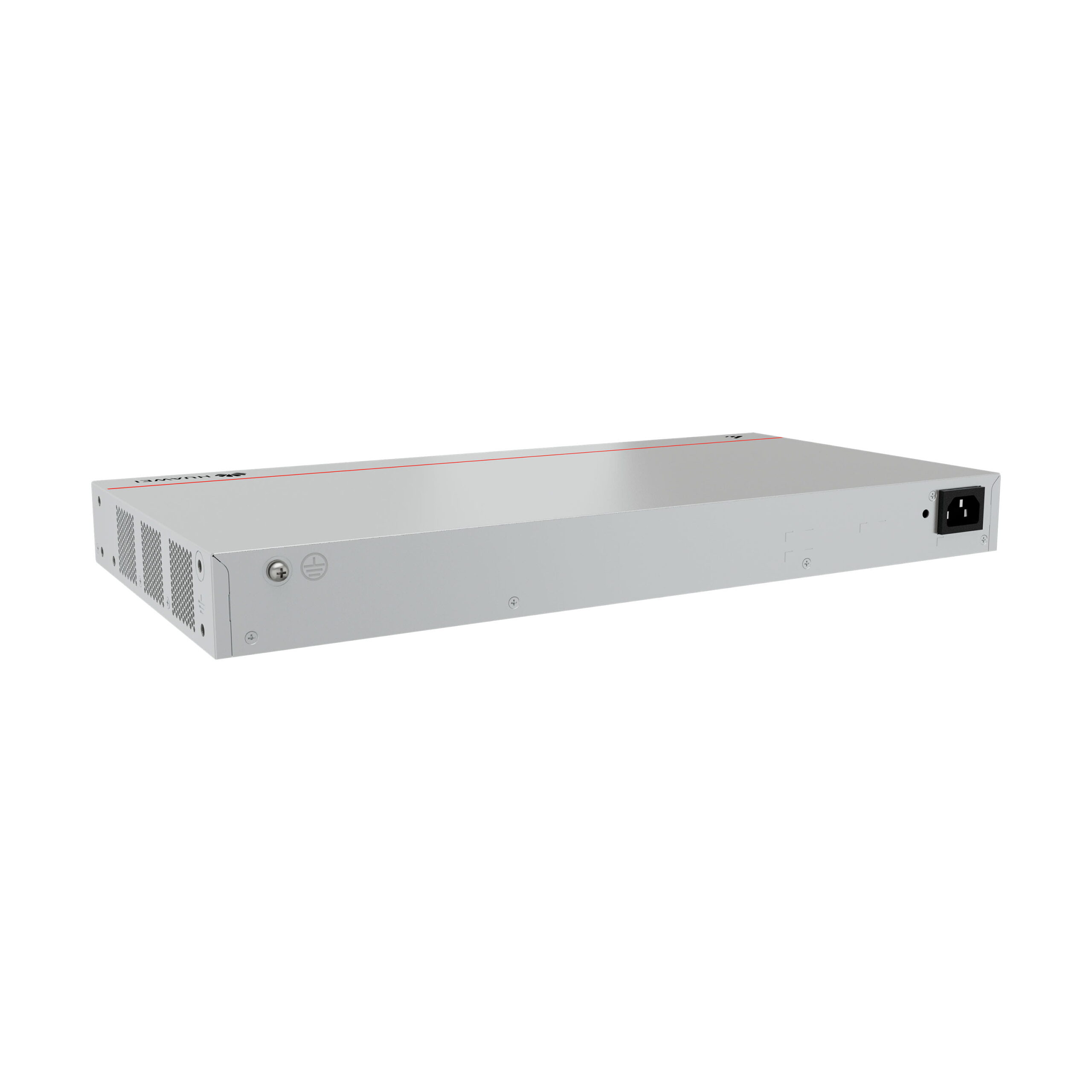
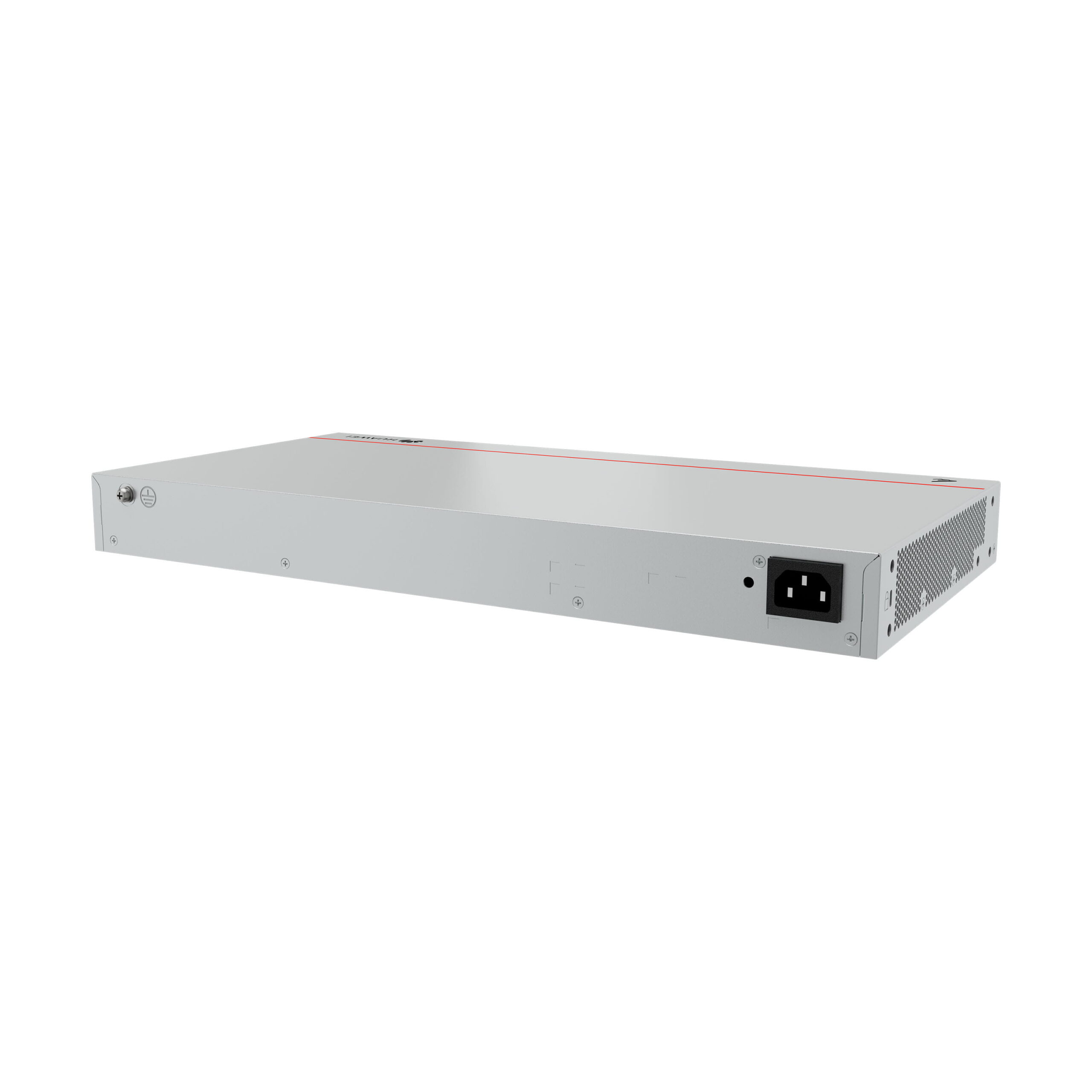
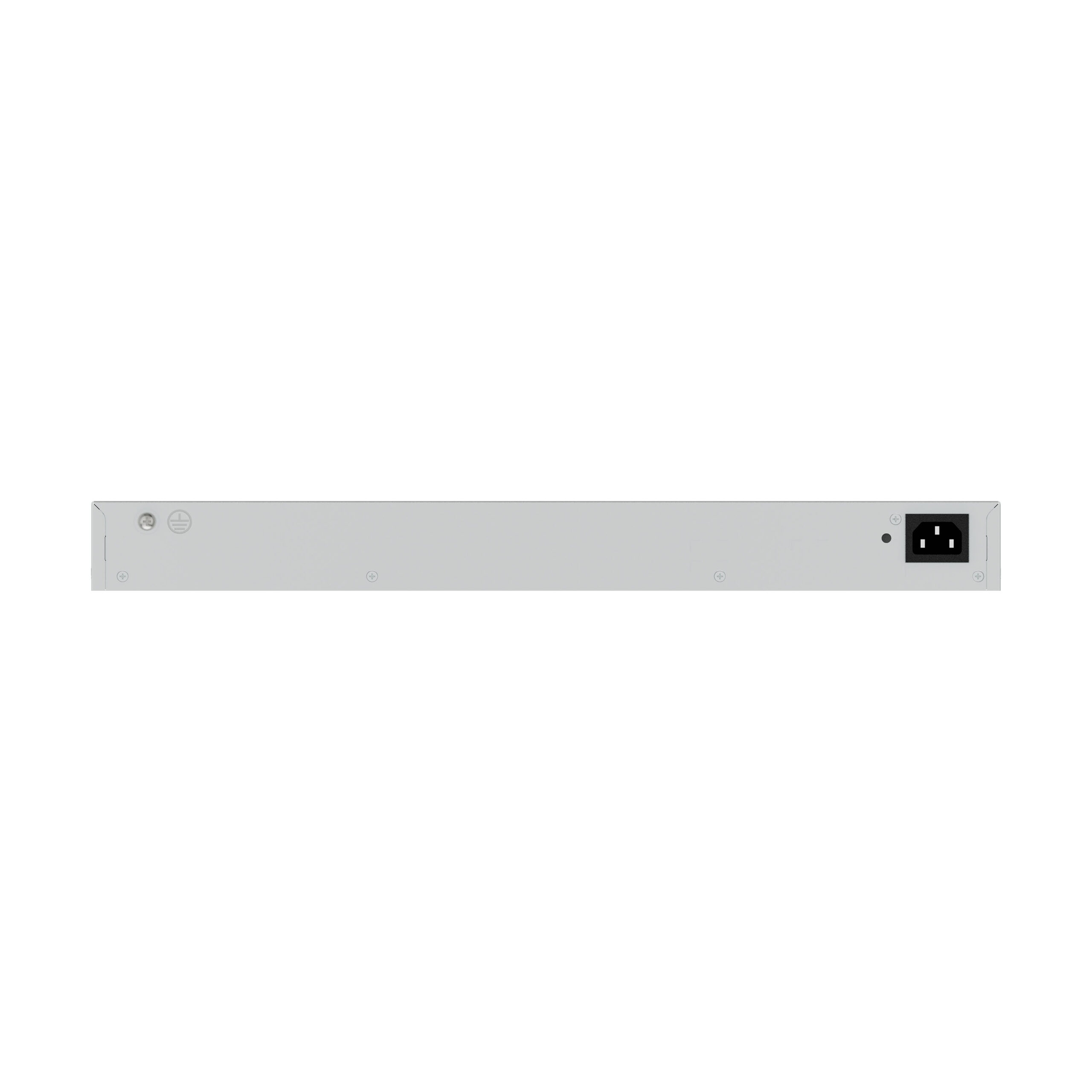
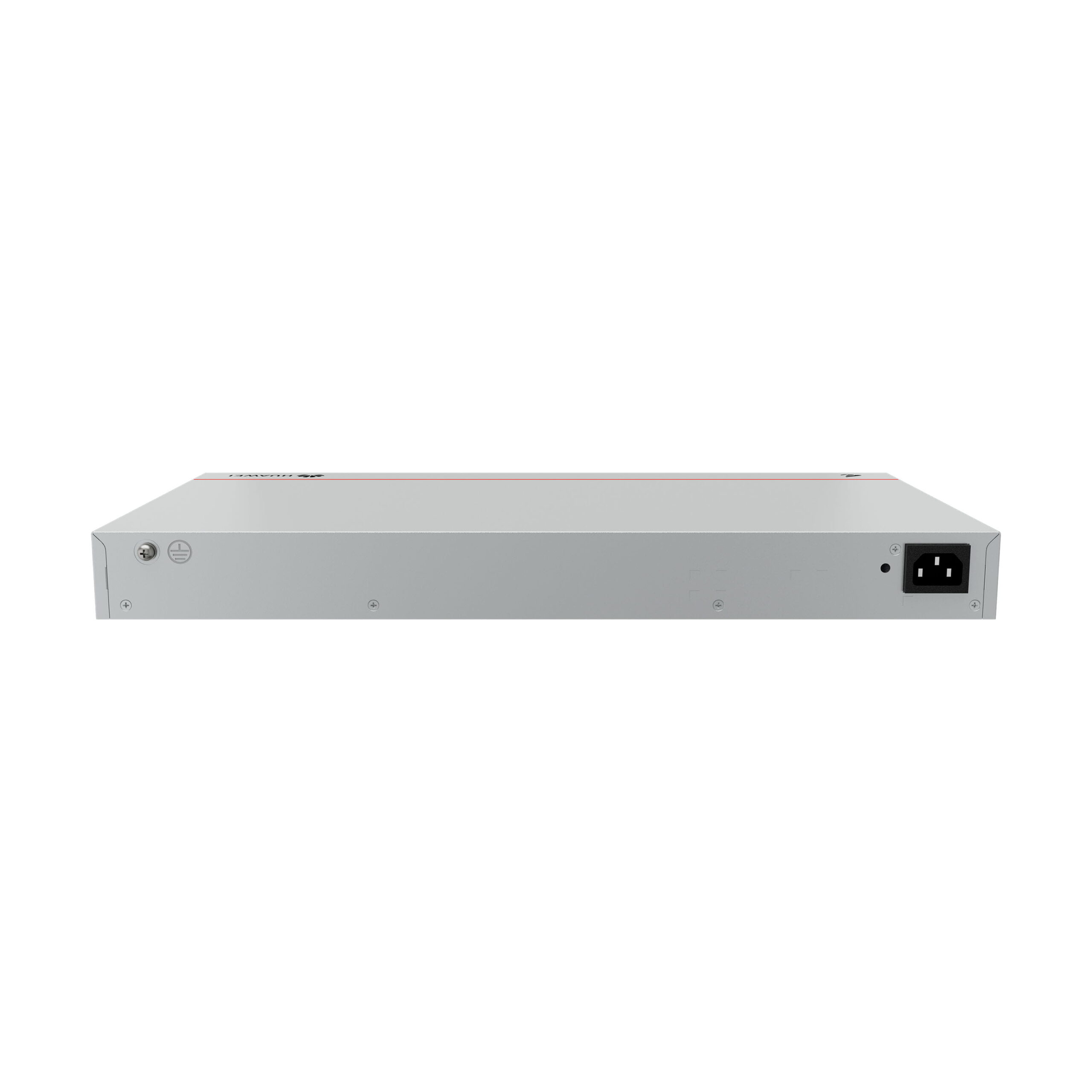
- Ground screw: For grounding via cable.
- AC power socket and locking strap jack: Power connection points.
Ports Details
| Port Type | Connector Type | Description | Available Components |
|---|---|---|---|
| 10/100/1000BASE-T | RJ45 | Ethernet port supporting speeds up to 1 Gbps | Ethernet cables |
| 10GE SFP+ | SFP+ | Optical port supporting 1 Gbps or 10 Gbps auto-sensing | Optical modules, copper modules, high-speed cables |
| Console port | RJ45 | Used for on-site configuration via console | Console cable |
Indicators and Their Meanings
| No. | Indicator | Name | Color | Status | Description |
|---|---|---|---|---|---|
| 1 | PWR | Power module indicator | Off / Green | Off / Steady On | The switch is powered off / Power supply is normal |
| 2 | SYS | System status indicator | Off / Green (fast/steady/slow blinking) / Red | Various states | From system not running, starting up, running normally, to fault alarms |
| 3 | PoE | PoE indicator | Off / Green | Off / Steady On | PoE disabled / PoE active on ports |
| 4 | MODE | Mode switch button | – | – | Toggles service port indicators between PoE status and link/activity status |
| 5 | – | Service port indicators | – | Various | Show link status and activity or PoE status based on mode |
| 6 | CLOUD | Cloud indicator | Off / Blue (fast/slow blinking) | Off / Connecting / Connected | Device cloud management status |
Service Port Indicator Modes
| Display Mode | Color | Status | Description |
|---|---|---|---|
| Default mode | Off | Port not connected or shut down | – |
| Default mode | Green steady on | Link established | – |
| Default mode | Green blinking | Sending or receiving data | – |
| PoE mode | Off | No power provided | – |
| PoE mode | Green steady on | Power provided to device | – |
| PoE mode | Green blinking | Power overload or non-compliant device | – |
Power Supply and Cooling
The switch includes a built-in AC power module capable of delivering up to 400 W of PoE power.
It supports full PoE power on all 24 ports compliant with IEEE 802.3af or on 13 ports with higher power under IEEE 802.3at.
Cooling is managed by two built-in fans with airflow from left and front to right exhaust.
Under normal temperature, operation noise meets desktop-class requirements; fan noise may increase during startup.
Reviews
There are no reviews yet.